Showing posts with label Planner. Show all posts

Saturday, January 24, 2026

Creative Planner & Journal DIYs for 2026


Creative Planner & Journal DIYs for 2026

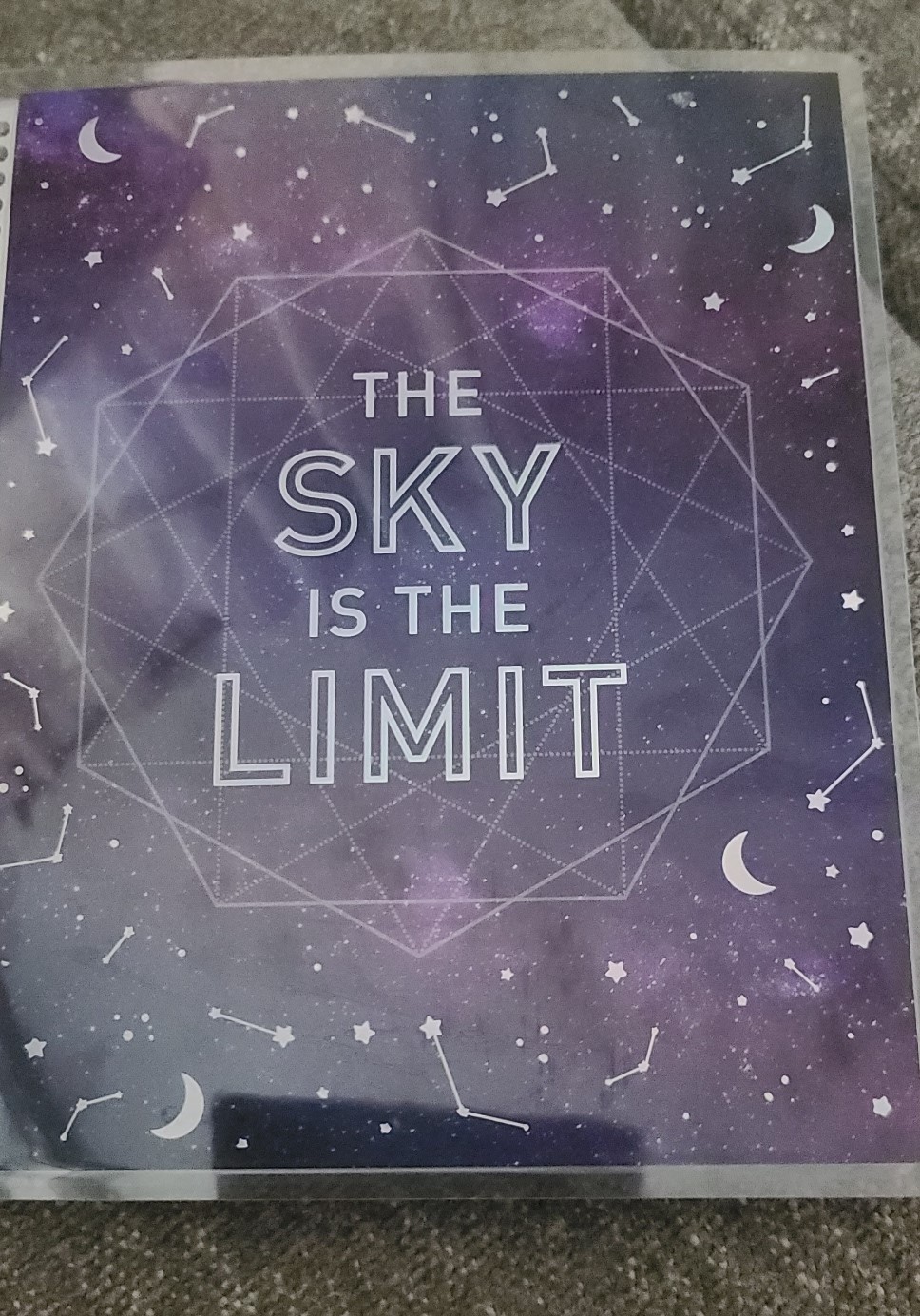
New year, new planner! Whether you love bullet journaling, scrapbooking, or customizing pre-made planners, 2026 is your chance to create something that’s truly yours. Here are fresh ideas to personalize your planner, journal, or scrapbook this year.

1. Custom Covers and Title Pages

Make your planner stand out before you even open it:

  • Fabric & Washi Wraps: Use patterned fabrics or washi tape to wrap your planner cover. Add a layer of clear contact paper for durability.

  • Hand-Lettered Titles: Start each planner with a beautiful hand-lettered title page using brush pens or metallic markers.

  • Mixed Media Collage: Combine magazine clippings, stickers, pressed flowers, and scrapbook paper for a textured, artistic cover.


2. Monthly Themes

Assign each month a unique theme to keep things exciting:

  • Seasonal Vibes: Frosty blues for January, cherry blossoms for April, fiery autumn tones for October.

  • Pop Culture & Hobby Themes: Pick themes inspired by your favorite books, movies, or crafting hobbies. Example: “Cozy Reading Nook” for February or “Vintage Travel” for August.

  • Mood Trackers: Integrate colors, stickers, or tiny doodles to reflect your monthly mood.


3. Functional DIY Inserts

Make your planner more than a schedule—turn it into a creative tool:

  • Habit & Goal Trackers: Create charts, grids, or “habit ladders” to visualize progress.

  • Memory Pages: Include space for photos, ticket stubs, or little notes to capture the year’s memories.

  • Mini Envelopes & Pockets: Attach pockets to store receipts, stickers, or small ephemera.


4. Bullet Journal Extras

Bullet journaling remains a top trend for 2026, but you can make it your own:

  • Interactive Pages: Add flaps, fold-outs, or hidden notes to surprise yourself throughout the year.

  • Color Coding & Icons: Develop a personal legend for tasks, events, and goals. Use colors and symbols to organize your life at a glance.

  • Weekly “Micro-Art”: Add a tiny doodle or sketch for each week. It’s a small creative break that keeps your journal lively.


5. Scrapbook-Style Personalization

Turn your planner into a mini scrapbook:

  • Photo Stickers: Print your favorite photos as small stickers and decorate pages.

  • Ephemera Collage: Include concert tickets, postcards, or magazine cutouts to tell your year’s story.

  • Textured Accents: Layer ribbons, pressed leaves, or embossed paper for tactile interest.


6. Trend-Forward Additions for 2026

  • Digital & Printable Hybrids: Mix hand-drawn pages with printed digital planners for flexibility.

  • Sustainable Crafting: Use recycled papers, eco-friendly pens, or fabric scraps for an earth-conscious planner.

  • Self-Care Focus: Add pages for meditation, gratitude, or mental health check-ins—a big trend in 2026 journaling.


Quick Tips for Personalization

  1. Start small—decorate one page at a time.

  2. Use erasable pens for layouts that might change.

  3. Mix textures: paper, stickers, and fabric create depth.

  4. Dedicate a few pages to “brainstorm” doodles or ideas you can use later.


Want more???

Here's some page ideas:


10 DIY Planner Page Ideas for 2026

1. Seasonal Mood Tracker

  • Layout: A small calendar grid or circular “mood wheel” for each month.

  • Creative Twist: Use seasonal colors (icy blues for winter, warm oranges for fall) and tiny doodles like snowflakes or leaves.

  • Extras: Add a small key for moods: happy, productive, sleepy, stressed.


2. Memory Lane Mini-Page

  • Layout: Two-thirds blank space for a photo or ephemera, one-third for journaling.

  • Creative Twist: Add washi tape frames, hand-drawn banners, or pressed flowers.

  • Extras: Include a mini “highlight of the week/month” bubble for reflection.


3. Habit Ladder

  • Layout: Vertical ladder or staircase for daily/weekly habits.

  • Creative Twist: Each rung is a day; color in the rung when habit is completed.

  • Extras: Add tiny motivational quotes along the sides.


4. Weekly Micro-Art Spread

  • Layout: Small boxes for each day of the week.

  • Creative Twist: Each box includes space for a doodle or sticker representing your day.

  • Extras: Include a mini gratitude spot for one positive thought per day.


5. Pocket & Ephemera Page

  • Layout: A side pocket for tickets, receipts, or notes, with a journal space beside it.

  • Creative Twist: Use patterned paper or recycled envelopes for the pocket.

  • Extras: Decorate the pocket with stamps, stickers, or hand lettering.


6. Bullet Journal Legend Page

  • Layout: List of symbols, colors, and icons for your planner.

  • Creative Twist: Use mini doodles for each category—stars for priority tasks, hearts for self-care, etc.

  • Extras: Include a small “creative reward” key: color a symbol when a task is done.


7. Monthly Vision Board

  • Layout: Half-page collage of images, quotes, or sketches.

  • Creative Twist: Add tiny pockets or fold-outs for inspirational snippets.

  • Extras: Use metallic pens or highlighters for emphasis.


8. Interactive Flap Pages

  • Layout: Hidden flaps for goals, notes, or secret doodles.

  • Creative Twist: Fold paper over from the page edge to create hidden sections.

  • Extras: Add washi tape or stickers to make flaps visually appealing.


9. Self-Care Tracker

  • Layout: Grid or checklist for daily self-care: meditation, water, skincare, reading.

  • Creative Twist: Color-code by activity type or use tiny icons.

  • Extras: Include a small “reflection bubble” to jot one sentence each week about how you feel.


10. Travel or Adventure Page

  • Layout: Section for upcoming trips, fun outings, or road trips.

  • Creative Twist: Add mini maps, compass doodles, or tiny ticket stubs.

  • Extras: Include a checklist of things to do for each adventure (snacks, camera, journal).


💡 Pro Tip: Each page can mix stickers, doodles, and handwritten elements.


Want to see more on MY planner? Let me know in the comments below!

Tuesday, June 4, 2024

Catch Up My Planner(s) With Me

 Hey Y'all!

I like to keep a planner, but haven't even opened mine since February. It was past time to do a little catching up.

We got these planners a few years ago in a Michaels Grab Bag, all of them were Recollections brand. (Chris also has a planner, but I didn't get it from him, I'm 99.9% sure he hasn't touched it anyhow. He always wants a planner, but rarely ever uses one.)

I've shared about this planner before here:

https://craftinwifescreations.blogspot.com/2024/01/goals-for-2024.html

Things that have changed since that blog? I've really grown to like the layout. There's a lot of space for each days activities to be written out.

My (main) Planner:


I'm doing pretty well on my goals for the year, some are completed..


I just recently filled out this bucket list section, all are goals I'd like to achieve this year, except the first one. It's more a 5 year goal.
I've already ticked off a few!


Note to myself, a tiny bit of catching up/getting up to date.


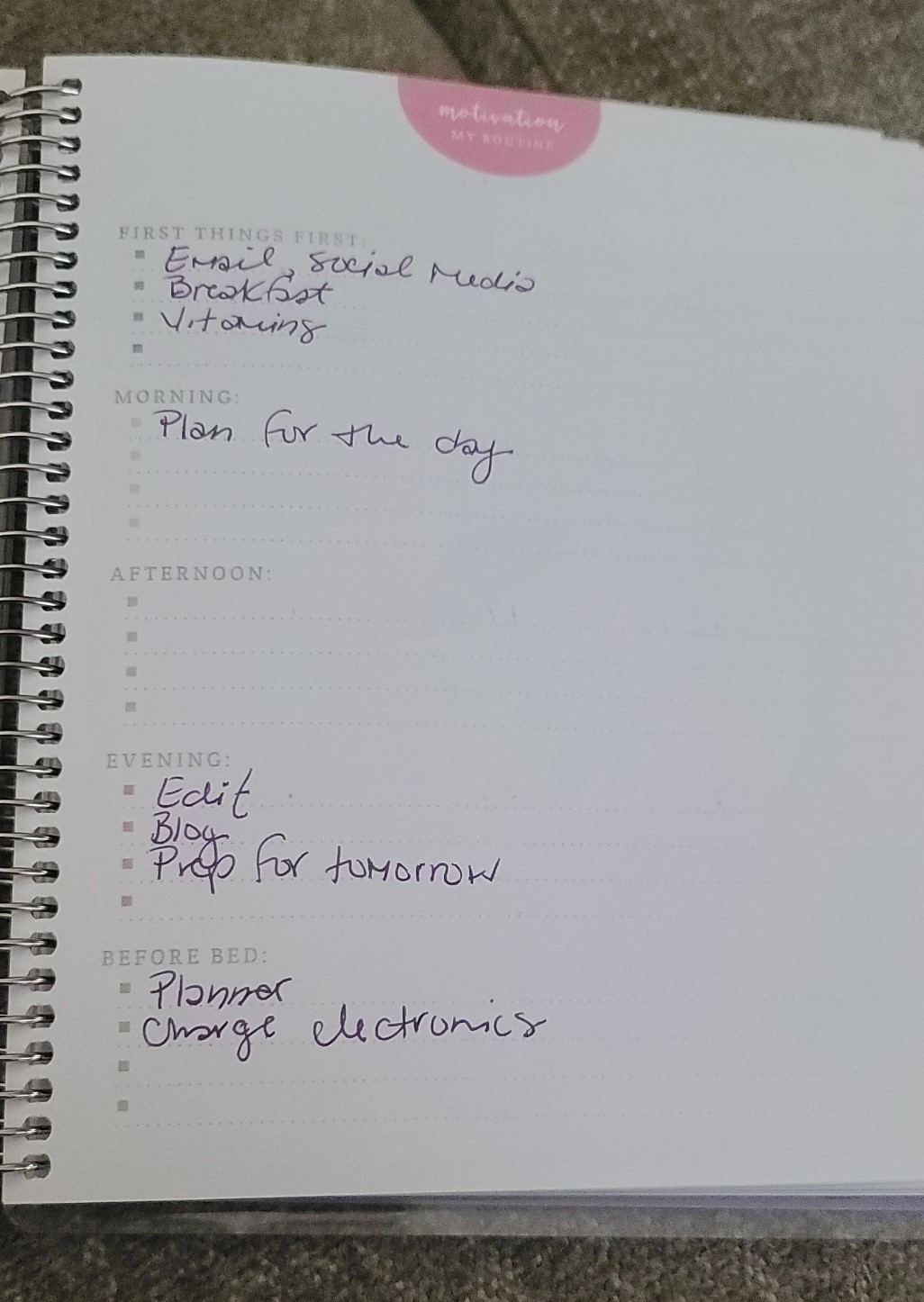
This section is a bit impossible to fill out, every day is so different, especially the afternoons. Moving forward I'll skip it, like I do the daily goal tracker in the rear of each month.


I also still don't use the calendar format pages for anything. To do so seems redundant.


Working on this weeks page:
Purple is Craftin' Wife's Creations, Green is Outland Adventures, and Pink is everything else.


Figuring out the blog, and social media schedule:


For now that catches us up in my planner.

We've recently implemented the Budget Planner, but I think after flipping through it, and filling it in some for this blog, it's not quite what we're needing.


As I was flipping through it was evident this planner is more focused on earning/saving than budgeting. I modified the pages to fit my need as best I could.


After I filled this in we got the notice that our van insurance has went from $30 to $55 monthly, we decided to go yearly and save a bit of money.

My phone had one more month before it was eligible to switch to the yearly plan, so that's what that notation means.


I've shared enough, it's really none of your business what's in our Money Market account.


This is the page I feel is most relevant to us, and I could just as easily do this in any notebook, so we'll see if we opt to change this out and just do a budget notebook in the future.


Do you use a planner? Which one(s)? Let me know in the comments below!


Have a great day,

Craftin' Wife


Monday, May 27, 2024

Crafting in a Van | Van Life

 Hey Y'all!

In this blog I talk about the ease, and difficulties, of crafting in our 1991 Chevy G20, Brunilda... I still haven't made that decal for the windshield.


If we are connected to shore power (plugged in) somewhere using the Cricut Joy is easier, especially if the weather is nice. If not, space becomes an issue, but we're currently re-doing the interior to allow for more space, and even though it doesn't change a whole lot it opens it up a bit more, which already feels larger. If I have to work inside, I work on smaller projects, like tags, cards, single decals, etc. If we're not plugged in to power we have the EcoFlow, but I don't run the Cricut much, to conserve the power for other things.

My current go to craft in the van is coloring in our coloring books. Once I get the tote out I can use the lid as a table, and everything else is right there. I know there are digital coloring pages, but I haven't really found that I like any of them.

I recently started using the Fuji Film Instax Mini camera, and found doing a planner/journal/scrapbook with the pictures is fun, and takes up very little space, while still getting some creativity out. 

I sold all my jewelry making stuff last summer, and I'm glad I did. I don't think I could have done it in the space... not to mention storage of all the pieces.

I have  also noticed in our "downtime" I read more than craft. I'm sure there will be ebbs and flows with this over time.

Do you craft in a small space? How do you make it work? Let me know in the comments below.


Have a great day,

Craftin' Wife

Thursday, January 4, 2024

Goals For 2024

 Hey Y'all!

Today I'm going to share my ten goals for this year, as well as my planner. 

I don't do New Years resolutions, but this is when I plan and set my yearly goals. Do you do resolutions? Let me know in the comment section.

The planner is from Michaels. I believe it's Recollections brand, it has no branding. It was supposed to be hubby's planner last year, but since he never used it he passed it to me. (He has a smaller planner he likes.) This is a goals planner, so that seemed fitting too.


Goals:


I  separated my goals into 3 sections-
Personal, Craftin' Wife's Creations, and Outland Adventures.

Personal~
1) Read More. 1 book a week is the minimum goal, any topic- fiction, or non-fiction.
2) Learn Something New- Monthly. - History of an area, a new skill, new trivia, etc.
3) Take A Daily Walk- Anywhere, any distance.
4) Be More Positive- Kind, look on the bright side, look for the good.

CWC~
5) Move From Sales- close the FB shop, and the Google business listing(s).
6) Start Focusing more on Craft Teaching- How-to's, new techniques, etc.
7) Shift Beauty Section- More space saving, How To in a small space, minimalism, etc.

OA~
8) Take More Video/Pics- "Cool" things, and everyday life.
9) Grow Social Media(s)- Goal is $ making. Post more often- 3x weekly on TikTok, 1x weekly on YouTube, and Instagram, continue blogging.
10) See 5 additional "new" states this year- Short list are: AL, MS, MO, IL, MI...


This next section is a few pages preset to write in short and long term goals.
January and February Short Term Goal:
Close Shop(s). Create more content.
Long Term:
Grow Social Media.
 

This section allows for monthly goals to be written. (Some of this gets a bit repetitive currently.)


There are a few other sections, like several pages of planner stickers, a few other goal setting pages, and a vision board. Currently those aren't in use. The folder will come in handy in the future, and there's one for each month!


I never use the calendar layout, I just use the weekly planner sections for everything.


At the back of each monthly section is this daily goals tracker. We'll see if I keep up with it. I don't have many daily goals to track, and it's in an inconvenient spot in my opinion.

I've had the smaller version of this goals planner before (2018, or 2019 if I'm remembering correctly). I liked it enough, and am liking this larger version a bit better. I do prefer the days/weeks layout like this over the block style. So far my favorite is one week for the two pages, but this is a close second. I like these larger planners better too.

What's your preferred planner style? Let me know in the comments below!


Have a great day,

Craftin' Wife


Tuesday, November 7, 2023

Blog Schedule- November

 Hey Y'all!


I still need those blog ideas, so keep them coming!


November Schedule:

10th Fri- Trip Details, First BIG Trip in Brunilda (the van)

13th Mon- Making Stickers with the Cricut Joy

15th Wed- Cleaning and Decluttering Makeup Brushes

17th Fri- Updates!

20th Mon- How To: Thanksgiving Table Crafts

22nd Wed- What's in my bag?

24th Fri- Books!

27th Mon- What'd We Do For Thanksgiving?

29th Wed- December Makeup Shelf

1st Fri- December Blog Schedule


Have a great day,

Craftin' Wife

Monday, August 21, 2023

Peek at My Planner

 Hey Y'all!


My planner this year is the Happy Planner Nightmare Before Christmas 5x7in (Sold Out). I like the size, though I do prefer the undated planners with the days running horizontal vs vertical. This planner was purchased early, usually I switch over in February to take advantage of the sales after the new year has begun. 

I like the tabs, and the page marker it came with. I thought I'd use the stickers more, but there really isn't enough space weekly. I haven't really decorated my last few planners...

Each month has a different scene.

On the month page I lay out my goals.


The pens I use are Inc .7mm from Dollar Tree. Purple= Craftin Wife's Creations, Green= Outland Adventures, Pink= Everything else. The pink and purple were one pack, green and red in another. The purple has a bit of a stutter at times, and has since new, so it's not an empty issue. Other than that I really like these pens.

Do you use a planner? What kind? Share in the comments below!

Have a great day,
Craftin' Wife